
Accounts payable automation: Improve invoice processing and cash flow
Whether you're struggling with approval delays, rising invoice volumes, or growing compliance demands, this guide explores how accounts payable automation can help build a faster, more accurate, and more resilient finance function.
by Ben Franklin Senior Content Executive
Key takeaways
- •Manual AP processes create costly bottlenecks through manual data entry, lost invoices, approval delays, duplicate payments, limited visibility, and an increased risk of human error.
- •Accounts payable automation replaces manual invoice workflows with intelligent digital processes that improve speed, accuracy, visibility, and control across the entire invoice lifecycle.
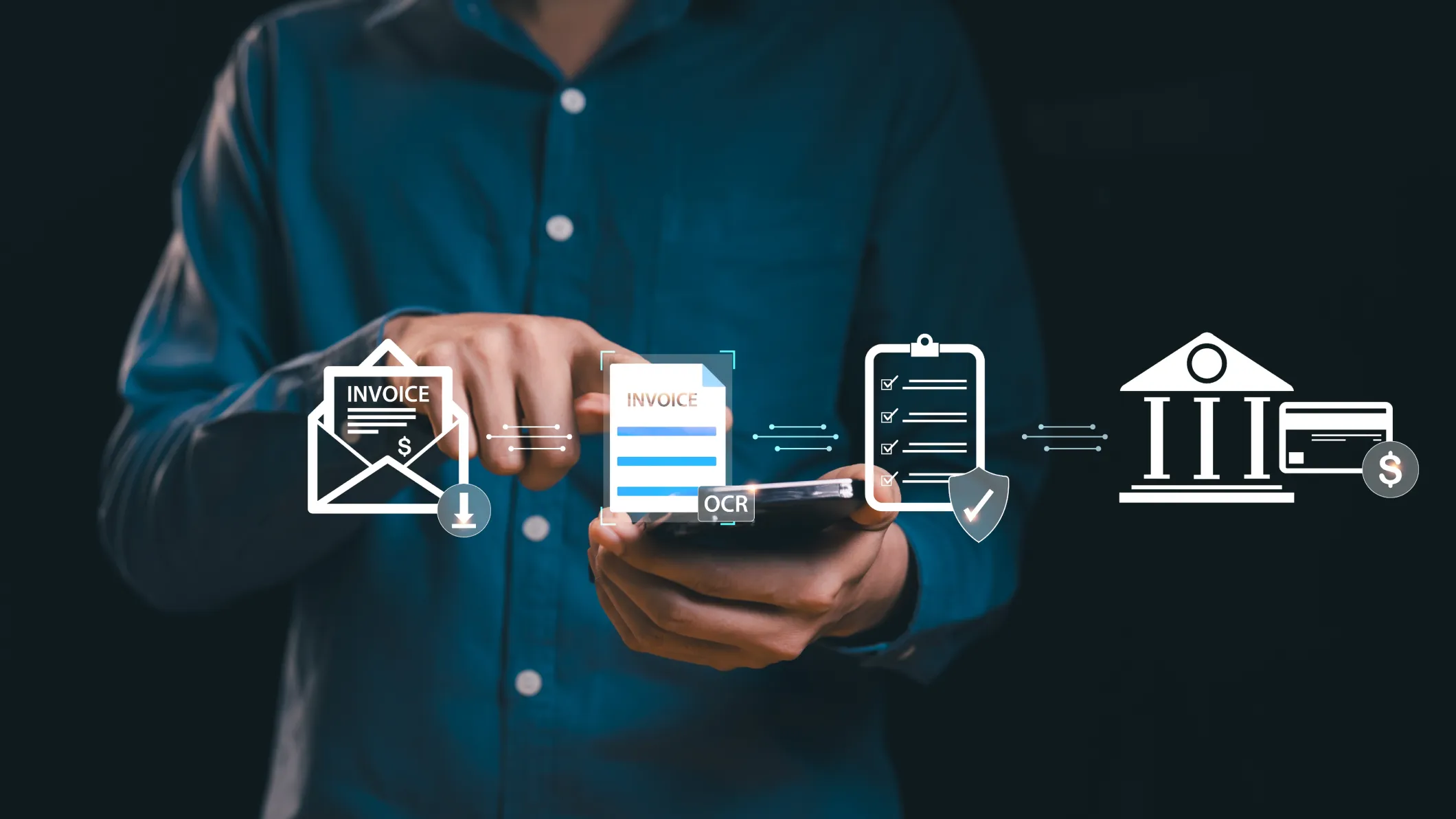
- •AI-powered OCR and intelligent workflows automate invoice capture, data extraction, validation, purchase order matching, approval routing, exception handling, and payment readiness, reducing manual effort and processing time.
- •AP automation improves business performance by accelerating invoice processing, strengthening financial controls, improving cash flow, supporting compliance, and enhancing supplier relationships.
- •Choosing the right AP automation software requires looking beyond invoice processing to features such as ERP integration, supplier portals, reporting, scalability, AI capabilities, and e-invoicing readiness.
The true cost of late payments extends far beyond overdue invoices. According to the UK government's Late Payment Consultation: Time to Pay Up Government Response, late payments cost the UK economy an estimated £11 billion every year and are associated with the closure of approximately 38 businesses every day.
Businesses that pay late risk damaging supplier trust, losing favourable payment terms, increasing operational costs, and creating unnecessary financial and operational risk. While there are many causes of late payments, accounts payable inefficiencies represent a significant barrier to timely payments, one that organisations now have the ability to overcome.
So, why remain tied to manual workflows when accounts payable automation provides a smarter way forward?
What is accounts payable automation?
Accounts payable automation is the use of software to digitise and automate the end-to-end invoice processing cycle, from invoice capture and validation to approval and payment. It replaces traditional manual processes with intelligent digital workflows that improve efficiency, accuracy, and visibility across accounts payable operations.
A manual AP process relies heavily on people to key invoice data, route documents to the right approvers, chase approvals through email, verify figures against purchase orders, and maintain records for audit. An automated system streamlines these steps through rule-based workflows, automated validation checks, and digital routing, creating a more consistent and controlled process.
Why do manual invoice processes create bottlenecks?
The biggest challenge with manual invoice processing is its reliance on people to keep the workflow moving. The following are some of the key challenges that create bottlenecks in manual AP processes:
1. Manual data entry
Every invoice requires someone to review details, extract information and enter data into an accounting system or spreadsheet before it can move forward. According to IFOL’s Accounts Payable Automation Trends 2025 report, 66% of respondents still manually enter invoice data into ERP systems, with 63% spending more than 10 hours per week processing invoices. As invoice volumes increase, the time and effort required for these activities can quickly become a bottleneck, slowing the overall AP process.
2. Lost invoices
Invoices can easily get lost when they are spread across emails, shared folders, and disconnected systems. Without a central repository to organise and track documents, invoices can be overlooked, delayed or missed entirely, often only coming to light when a supplier chases payment, by which point deadlines may have already passed and late payment penalties may be incurred.
3. Poor visibility into invoice status
Without a central view of invoice status, finance teams can struggle to understand which invoices are awaiting approval, which payments are approaching due dates, and where bottlenecks are occurring in the process. This lack of visibility makes it harder to prioritise workloads, manage cash flow, respond to supplier queries, and address issues before they affect payment timelines.
4. Approval delays
Manual approval processes often rely on email and individual action, meaning invoices can remain idle until the right person responds. Absences, competing priorities, missed emails, and a lack of visibility into approval status can create delays, while manual follow-ups add further administrative burden. Together, these issues create bottlenecks that slow invoice processing and payments.
5. Duplicate invoices
Without automated validation, duplicate invoices can easily go unnoticed, particularly when invoices are submitted more than once or received through different channels. A duplicate submission may be processed alongside the original if appropriate validation controls are not in place, creating unnecessary overpayments that are time-consuming to recover, and difficult to detect before funds are released.
6. Human errors
Every human touchpoint in the AP process creates an opportunity for error, from incorrect invoice amounts and supplier details to missing purchase order numbers, mismatched invoices, duplicate records, and miscoded expenses. Resolving these exceptions requires additional investigation, correction, and reconciliation, adding administrative effort, delaying payments and increasing the workload for AP teams.
7. Lack of audit trail
Maintaining an audit trail requires a complete record of every action taken on an invoice, including when it was received, reviewed, approved, modified, and paid. When these records are distributed across emails, spreadsheets, and different systems, tracing the invoice journey becomes more difficult, making it harder to verify decisions, investigate queries and demonstrate compliance.
How does accounts payable automation improve invoice processing?
Accounts payable automation improves invoice processing by replacing fragmented manual steps with structured, rule-based workflows that help invoices move through the entire lifecycle more efficiently, from capture and validation to approval and payment:
-
Invoice capture and digital intake
Invoices often arrive through multiple channels, including email attachments, supplier portals, electronic data interchange (EDI) feeds and scanned documents. An automated system consolidates these invoices into a digital inbox, creating a complete record from receipt while reducing the administrative effort involved in invoice intake.
-
Automated data extraction
Rather than relying on manual data entry, OCR and intelligent data extraction capture key information from invoices, including supplier details, invoice numbers, dates, line items, VAT, and totals. The extracted information is converted into structured data that can be processed through digital workflows, regardless of invoice layout or format.
-
Validation and exception handling
Once invoice data is extracted, automated validation checks verify key details, including duplicate invoice numbers, supplier information, VAT calculations, and purchase order matches. Any discrepancies (such as missing fields, mismatched values, or unrecognised suppliers) are flagged for human review, helping ensure exceptions are addressed before approval.
-
Automated approval routing
Validated invoices are routed automatically to the appropriate approver based on pre-configured rules, such as cost centre, invoice value, supplier category, or project code. This removes the need for manual sorting and email-based routing, helping ensure invoices reach the right person with the relevant context while approval actions are tracked throughout the process.
-
Invoice tracking and payment readiness
The system provides a complete view of invoice status, from pending approvals and exceptions to scheduled payments. Finance teams can quickly identify outstanding actions, track payment obligations, and maintain greater control over when invoices move through the process.
Watch the short video below for an overview of how AI-powered invoice automation streamlines invoice capture, validation and approval workflows.
How can businesses automate invoice approvals?
Automating invoice approvals involves more than simply managing invoices electronically. It requires structured workflows that ensure approvals follow the right process, involve the right people and are completed on time. This is achieved through a combination of approval workflows, exception handling, and automated notifications.
Approval workflows and multi-level approvals
AP automation software allows businesses to configure approval workflows that mirror their authorisation structure, using rules based on factors such as invoice value, department, supplier, or project.
Higher-value or more complex invoices can be configured with multi-level approvals, ensuring additional oversight where required. For example, the workflow can be configured so that routine operating expenses require line manager approval, while higher-value capital purchases automatically trigger additional approval stages involving department leadership and finance.
The system applies these rules consistently, automatically directing invoices according to internal policies rather than relying on individuals to decide the next step.
Exception handling and escalation
When an invoice fails a validation check or requires additional review, the system routes it to an exception queue for resolution without disrupting the wider workflow. Escalation rules can then prompt action when approvals remain pending beyond defined timeframes, helping prevent unnecessary delays.
Notifications and approval tracking
Approvers receive notifications when action is required, with automated reminders for outstanding requests. If an approval remains pending beyond a defined timeframe, escalation rules can prompt follow-up or route the request to the appropriate stakeholder, helping prevent invoices from being held up in approval queues.
How does purchase order matching reduce payment errors?
Without a formal matching process, pricing discrepancies, quantity differences, and invoices that do not correspond to approved purchases are more likely to go unnoticed before payment. Purchase order (PO) matching reduces this risk by verifying invoice details against approved purchasing records before payment is authorised.
The key elements of the matching process include:
Two-way matching
Two-way matching compares the invoice against the corresponding purchase order to confirm that the supplier, quantities, prices, and other key purchasing details match before payment is approved.
Three-way matching
Three-way matching adds a goods received note (GRN) to the comparison, confirming not only that the order was authorised and correctly invoiced, but also that the goods or services were received before payment is released.
This additional verification is particularly valuable for higher-value or higher-risk purchases, helping prevent payment for goods that were never delivered or invoices that do not correspond to an authorised purchase order.
For organisations with high purchasing volumes, particularly in manufacturing, retail and the public sector, three-way matching is often considered standard practice.
Exception management
When a mismatch is detected, whether a price variance, quantity discrepancy or missing GRN, the invoice is flagged for review rather than progressing automatically. Configurable tolerance thresholds prevent minor expected differences and small rounding variations from creating unnecessary exceptions, while genuine discrepancies are identified and investigated before payment approval.
How does AP automation improve cash flow and supplier relationships?
AP automation improves cash flow management and supplier relationships by enabling:
Payment scheduling
AP automation provides a clearer view of approved invoices and due dates, allowing businesses to plan payments more effectively. Rather than managing payments reactively, finance teams can schedule payments based on priority and timing requirements. This improves cash flow predictability and enables more strategic management of outgoing payments.
Early payment discounts
With better visibility into payment terms and eligible invoices, finance teams can evaluate early payment discount opportunities and prioritise payments that provide a financial benefit while aligning payment decisions with cash flow needs.
Avoiding late payment penalties
Businesses can identify potential payment delays earlier, reducing the likelihood of late payment penalties. Automated notifications for upcoming due dates and pending approvals prompt timely action, helping organisations maintain agreed terms and strengthen supplier relationships.
Supplier communication
AP automation improves supplier communication by providing clearer access to invoice status and payment progress. Supplier portals can allow suppliers to check invoice status independently, reducing unnecessary follow-ups while enabling finance teams to respond quicker when support is needed.
Cash flow forecasting
Finance teams can forecast cash requirements more accurately. Automating accounts payable and accounts receivable processes create a more connected approach to cash flow management, improving visibility across both incoming and outgoing payments. This enables better allocation of available funds, improves working capital management, and supports more informed financial decisions.
How does AP automation support compliance and financial controls?
AP automation helps businesses maintain stronger financial controls and compliance by enabling:
-
Audit trails
From invoice receipt to approval decisions and payment instructions, every action is automatically logged with a timestamp and user record, creating a complete audit trail. This provides clear visibility for internal audits, external audits, and regulatory reviews without relying on manual record-keeping.
-
Segregation of duties
AP automation supports segregation of duties by embedding role-based access controls and workflow rules that separate invoice validation, approval and payment responsibilities. This makes the separation structural rather than procedural, reducing the risk of errors and fraud.
-
VAT compliance
More accurate VAT treatment can be achieved by extracting and validating VAT data during invoice capture and flagging inconsistencies before transactions are posted to the general ledger. This helps businesses maintain accurate VAT records and meet compliance requirements under Making Tax Digital. As the UK moves towards mandatory e-invoicing for VAT invoices from 2029, this represents a structural shift in invoice processing that businesses using paper-based or email-PDF workflows will need to prepare for.
-
Financial reporting
By keeping accounts payable data accurate, up to date, and centrally accessible, the effort required to compile reports is reduced, supporting faster month-end close and improved financial insight accuracy.
-
Fraud prevention
Duplicate payment detection, three-way matching, and segregation of duties collectively reduce the risk of both internal and external invoice fraud.
When is it time to move from manual invoice processing to AP automation?
The need for AP automation often becomes clear when manual processes begin to limit efficiency, visibility, and control. If any of the following sound familiar, it may be time to consider AP automation:
- Your AP team is spending more time processing invoices than analysing financial data and supporting the business.
- Growing invoice volumes require additional finance staff just to maintain current processing times, rather than improving overall productivity.
- Finance relies on spreadsheets to track invoice status, approvals, and payment schedules, leading to version control issues, manual errors, and limited visibility.
- Month-end close is consistently delayed because finance teams spend too much time reconciling invoices, chasing approvals, and consolidating data from multiple sources.
- Invoices regularly sit in email inboxes or approval queues, resulting in delayed payments, missed early payment discounts, and increasing supplier enquiries.
- Suppliers frequently contact your finance team to check invoice or payment status because there is no easy way to track progress.
- Growth in suppliers, business entities, or locations is making existing AP processes increasingly difficult to manage and standardise.
What should you look for in accounts payable automation software?
When selecting AP automation software, look beyond immediate process improvements and consider the capabilities needed to support future growth, compliance requirements, and operational complexity.
Key features to look for include:
- OCR and AI-powered invoice capture that accurately extracts invoice data from paper, PDF, and electronic formats, converting it into structured data for automated processing.
- Automated invoice validation to identify duplicate invoices, missing information, and data inconsistencies before processing.
- Configurable approval workflows that route invoices to the right approvers and keep approvals moving.
- ERP and accounting system integration to eliminate duplicate data entry and keep financial records up to date.
- Purchasing integration that supports two-way or three-way matching between invoices, purchase orders, and goods receipts.
- Automation rules to automatically code invoices, assign approvers, and handle recurring or exception invoices.
- A supplier portal where suppliers can submit invoices and check invoice or payment status without contacting the finance team.
- Reporting dashboards that provide real-time insights into invoice processing, approvals, and AP performance.
- Role-based access controls, audit trails, and secure document storage to protect sensitive financial information while supporting compliance, internal controls, and regulatory requirements.
- Support for e-invoicing and digital compliance to help businesses prepare for evolving regulatory requirements, including Making Tax Digital and future e-invoicing mandates.
- Scalability to support growing invoice volumes, additional suppliers, and more complex approval structures without increasing administrative effort.
Simplify accounts payable with OneAdvanced
Accounts payable works best when invoices move through the business without manual intervention, bottlenecks, or uncertainty. OneAdvanced’s Financials software helps make that possible by combining AI-powered purchase invoice automation with intelligent workflows that digitise invoice capture, automate validation, streamline approvals, and support purchase order matching, reducing manual effort while improving accuracy and control across the procure-to-pay process.
The benefits extend beyond invoice processing. OneAdvanced’s composable ERP platform approach brings finance, spend, and governance capabilities together in a connected environment, helping organisations adapt their systems as business needs change. With invoice, purchasing, and financial data connected through intelligent workflows, finance teams gain real-time visibility into liabilities, cash flow and operational performance without relying on disconnected processes or systems.
Built-in dashboards, reporting capabilities, and financial controls strengthen oversight, while support for Making Tax Digital helps simplify compliance. OneAdvanced IQ (the platform all our technology sits on) brings together trusted AI, connected data, and intelligent automation to surface contextual insights, streamline routine work, and support faster, more confident decision-making.
Take the next step towards a more efficient, automated finance function. Book a demo with OneAdvanced.
FAQs
Does AP automation work with existing ERP systems?
Yes. AP automation software with built-in connectors, APIs, and flexible integration capabilities can integrate with existing ERP and accounting systems, allowing invoice information, supplier records, and payment details to flow between platforms.
How does AP automation prevent duplicate payments?
Automated systems check each incoming invoice against existing records before it proceeds through the approval workflow. If an invoice number, supplier reference, or a combination of amount and date matches a previously processed invoice, the system flags it for review rather than allowing it to proceed automatically. This check is applied consistently every time, not only when a team member happens to notice a potential duplicate.
About the author
Ben Franklin
Senior Content Executive
With over five years of experience crafting high-impact research and content for OneAdvanced, Ben is a trusted voice on business optimisation and technological transformation. He delivers data-backed insights tailored for modern finance and workforce management professionals, helping them navigate complex modern challenges. Ben’s deep industry expertise spans Retail, Wholesale, Logistics, Manufacturing, Passenger Transport, and Business Services. Bridging the gap between strategy and execution, his work explores the intersection of business solutions and emerging trends, including AI, data strategy, cybersecurity, supply chain management, and financial risk resilience.
Contact our sales and support teams. We're here to help.
Speak to our expert consultants for personalised advice and recommendations or to book a demo.
Call us on
0330 343 4000Please enter your details, and our team will contact you shortly.
All fields are required
From simple case logging through to live chat, find the solution you need, faster.
Support centre